
Apply Pilot by UCDREAMS
Autofill Job Applications 10x Faster with 1-Click Smart Automation
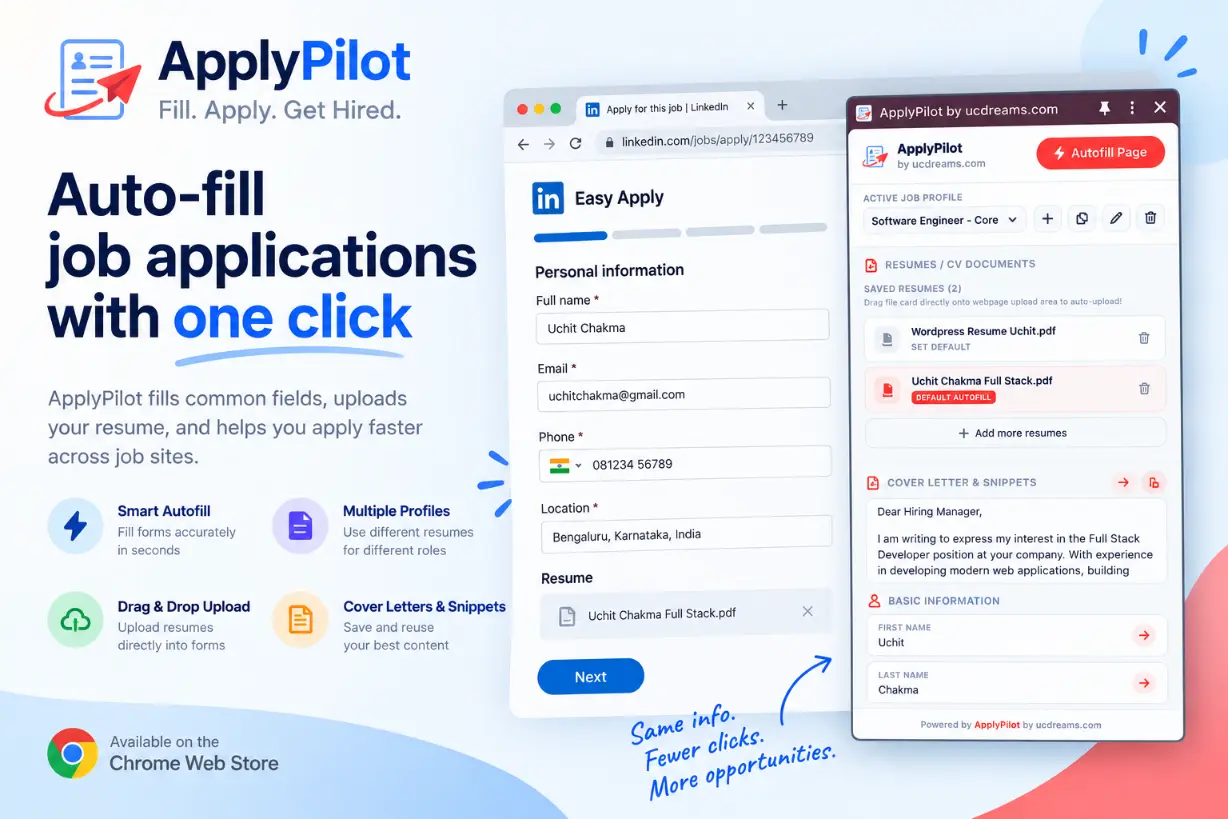
Save your personal information, tailored resumes, cover letters, and custom application fields once. ApplyPilot automatically detects and fills supported application fields across major job sites — saving you hours on repetitive job applications.
Why Job Seekers Choose Apply Pilot
Designed to speed up your job search without compromising your privacy or data control.
1-Click Smart Autofill
Automatically detects and populates standard form fields across supported job boards — including names, contact info, LinkedIn, GitHub, and portfolio links.
Multi-Role Job Profiles
Create distinct profiles tailored for different positions (e.g. Frontend Developer, Full Stack, Product Designer) with role-specific resumes and cover letters.
100% Client-Side Privacy
Your personal data and uploaded resumes are stored securely inside your local browser. Zero cloud tracking, no mandatory sign-ups, and never sold to third parties.
Custom QA & Screening Fields
Pre-save responses to recurring screening questions (Notice Period, Work Authorization, Salary Expectations, Relocation) to fill multi-page forms effortlessly.
Apply Smarter. Apply Faster.
Get started in under two minutes and turn tedious 15-minute applications into 15-second submissions.
Create Your Profile
Save your contact details, targeted resumes (PDF), cover letters, and custom application answers in reusable job profiles.
Open Any Job Posting
Navigate to any job application on LinkedIn, Indeed, Greenhouse, Lever, Workday, or company career pages.
Autofill & Review
Click “Autofill Page” to instantly populate supported fields and attach your resume. Review everything and submit with confidence.
Save Your Application Details Once. Reuse Them Everywhere.
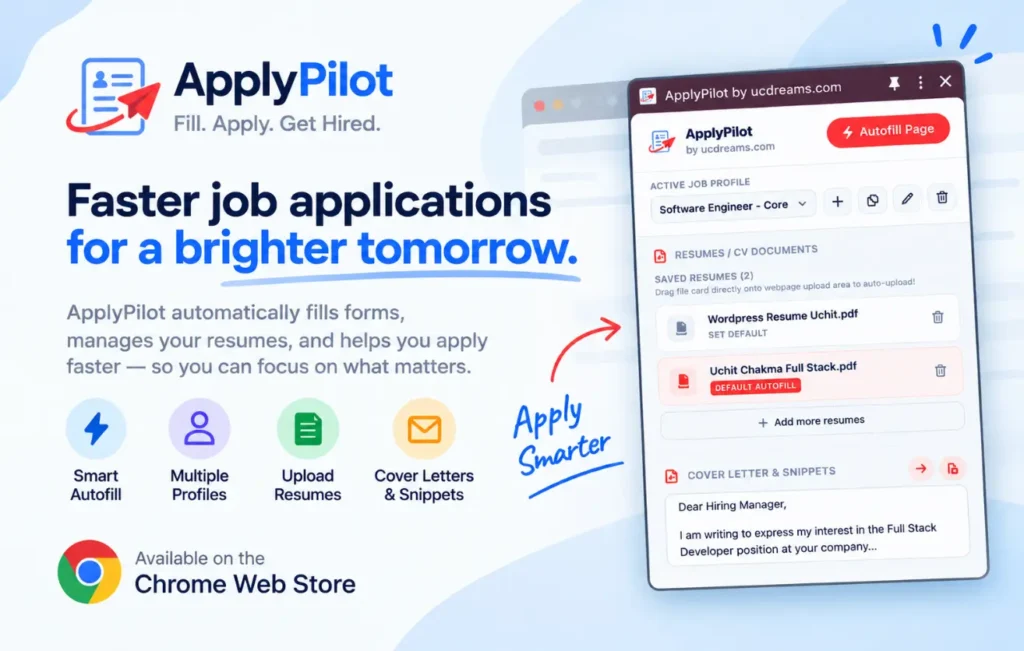
Keep your job application information organized in one clean, accessible place. Create separate profiles for different roles and save the resumes, cover letters, snippets, and custom fields you need for each application.
- Instant resume attachment & document management
- Optimized for LinkedIn Easy Apply, Greenhouse, and Lever
- Quick-copy custom screening answers and cover letter snippets
- Light & Dark mode support out of the box
Compatible with Leading Job Boards & ATS Portals
Frequently Asked Questions
Everything you need to know about Apply Pilot by UCDREAMS.
No. ApplyPilot is a smart autofill assistant. It helps fill out job application forms and attaches your saved resumes and documents. You always remain in complete control to review every single field and answer before clicking submit.
Yes. You can create multiple job profiles (e.g., “Frontend Engineer”, “UI/UX Designer”) and save distinct resumes, cover letters, QA snippets, and custom fields for each profile. Simply select the appropriate profile when applying.
100% yes. ApplyPilot operates completely client-side. Your documents and data are stored securely in your browser’s local storage and are never uploaded to our servers, shared, or sold to third parties.
ApplyPilot is compatible with Google Chrome and all Chromium-powered browsers, including Microsoft Edge, Brave, Arc, and Opera.
Yes. ApplyPilot is 100% free with no hidden charges, mandatory subscription tiers, or credit card requirements.
Ready to Speed Up Your Job Search?
Stop typing the same details into every job portal. Install ApplyPilot for free and start applying in seconds.