Need to Send Massive 10GB+ Files Instantly?
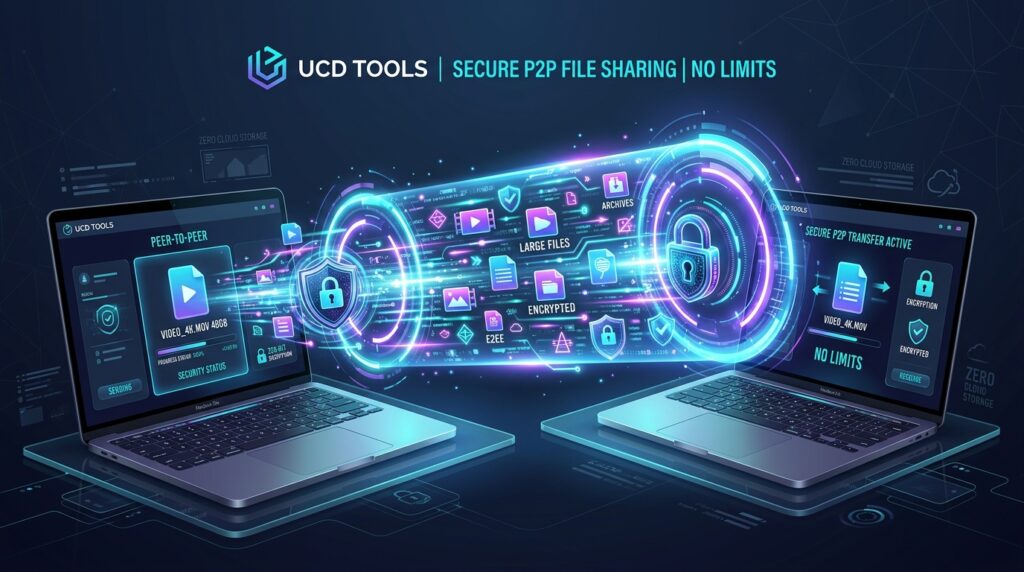
Skip slow cloud uploads and subscription paywalls. With Large File Share on UCD Tools (by UCDREAMS), you can stream uncompressed 4K videos, massive zip archives, and raw datasets directly from your device to the recipient’s device using peer-to-peer (P2P) WebRTC encryption — with zero file size limits, zero server storage, and no registration required.
Every creator, video editor, software developer, and agency professional knows the struggle: you finish rendering a 15GB 4K video reel or assembling a multi-gigabyte client deliverable, and you need to get it across the world or across the office. You try to attach it to an email, but hit the rigid 25MB attachment ceiling. You turn to traditional cloud transfer tools, only to face 2GB free-tier caps, forced 30-minute upload queues, or an aggressive prompt demanding $12 to $20 per month.
There is a fundamentally better, faster, and more private architecture for digital transfer: Direct Peer-to-Peer (P2P) WebRTC streaming.
In this guide, we explore both the user-friendly workflow and the cutting-edge engineering behind modern browser-based file sharing, highlighting how UCD Large File Share eliminates file size restrictions entirely.
Part 1: The Non-Technical Guide — How to Share Large Files in Seconds
For everyday users, sending a massive file with UCD Tools is as straightforward as sharing a 6-digit code or scanning a QR code on your phone.
Step-by-Step: Sending Files to Anyone, Anywhere
- Open the Tool: Navigate to https://ucdreams.com/tools/large-file-share/ on your laptop, desktop, tablet, or smartphone.
- Get Your Pairing Code: The application automatically generates a temporary, secure 6-digit pairing code and an instant connection link.
- Connect with the Receiver: Send the link or 6-digit code to the recipient (or have them scan your on-screen QR code if they are in the same room).
- Accept and Stream: Once the receiver accepts the connection request, drag and drop your files. The transfer begins immediately — streaming directly from your hard drive to theirs at maximum internet or local network speeds.
💡 Bonus: Local Network Radar for Office & Home Wi-Fi
Sharing files between two laptops on the same office Wi-Fi? The Local Network Radar feature on UCDREAMS Tools automatically detects nearby devices on your local subnet. Click on the detected device, approve the transfer, and transfer gigabytes of raw data at full gigabit LAN speeds without consuming any external internet bandwidth!
Part 2: The Technical Architecture — How Browser-to-Browser P2P Transfer Works
How can a web application transfer 10GB, 50GB, or even 100GB files without running out of server storage or bandwidth? The answer lies in the underlying architecture of WebRTC (Web Real-Time Communication) and SCTP Data Channels.
1. WebRTC DataChannel vs. Traditional Client-Server Uploads
Traditional cloud file sharing follows a two-step store-and-forward paradigm:
- Your browser uploads the entire file to a central cloud server (e.g., AWS S3, Google Cloud Storage, or Azure Blob).
- The server stores the file, generates a download URL, and waits for the recipient to download it from the server.
This model incurs double bandwidth costs, server storage expenses (which SaaS companies pass on to you through subscriptions), and significant security risks because unencrypted files sit on third-party servers.
UCD Large File Share bypasses central storage completely using WebRTC DataChannels:
↓ (Signaling: SDP Offer / ICE Candidates via WebSocket)
[Signaling Server (No File Data Passes Through)]
↓ (SDP Answer / ICE Exchange)
[Receiver Device: Chrome/Safari/Firefox]
======== DIRECT P2P ENCRYPTED TUNNEL ESTABLISHED ========
Sender Disk → File Stream Chunking → DTLS-SRTP / SCTP Socket → Receiver Disk (Zero Cloud Storage)
2. The Signaling & NAT Traversal Handshake (STUN / ICE)
For two web browsers behind home routers or corporate firewalls to talk directly to each other, they must discover their public IP addresses and port bindings:
- STUN (Session Traversal Utilities for NAT): Both browsers query a lightweight STUN server to discover their reflexive public IP and NAT mapping.
- ICE (Interactive Connectivity Establishment): Browsers exchange candidate network pathways (host, server reflexive, and relay candidates) via an ephemeral signaling channel.
- Direct Socket Binding: Once the shortest viable path is identified, the browsers establish a direct UDP socket binding between each other. The signaling server is detached — all subsequent data travels strictly peer-to-peer.
3. End-to-End Cryptographic Security (DTLS & SCTP)
All data transmitted through the UCD Tools P2P tunnel is protected by DTLS (Datagram Transport Layer Security) with AES-GCM 256-bit encryption. The cryptographic keys are negotiated directly between the sender and receiver browsers during the DTLS handshake using ephemeral Diffie-Hellman key exchange. Even if network packets are inspected in transit, nobody — not even ISPs or network administrators — can intercept or decrypt the payload.
4. High-Performance Stream Chunking (Handling 50GB+ in Browser Memory)
Browsers historically crashed when loading multi-gigabyte files into RAM. UCD Large File Share solves this with low-level stream piping:
- ReadableStream & Slicing: Files are read on-demand in micro-chunks (typically 64KB – 256KB binary blocks) using JavaScript
File.slice()and the Streams API. - Backpressure Control: The application monitors the
RTCDataChannel.bufferedAmountproperty. If the receiver’s network connection slows down, the sender pauses chunking to avoid memory overflow, resuming instantly once the buffer drains. - Disk Direct Write: The receiving browser streams incoming byte buffers directly into local storage using the File System Access API or IndexedDB blob streaming, allowing files of virtually any size to be received smoothly.
Architecture Comparison: UCD Tools vs. Cloud Alternatives
| Feature | UCD Large File Share | WeTransfer (Free Tier) | Google Drive / Dropbox |
|---|---|---|---|
| Maximum File Size | Unlimited (10GB, 50GB+) | 2 GB Max | Limited by Cloud Quota (15GB shared) |
| Transfer Method | Direct P2P WebRTC Stream | Store-and-Forward Cloud | Central Server Sync |
| Data Stored on Cloud Servers | Zero (0% Stored) | Stored for 7 Days | Stored indefinitely on servers |
| Account & Sign-Up | No Sign-Up Required | Email verification required | Mandatory Account Login |
| Encryption | End-to-End DTLS 256-bit | TLS in transit only | Server-side managed keys |
| Pricing | 100% Free (zsh) | /month for Pro | – /month for upgrades |
Best Practices for Ultra-Fast P2P Transfers
To maximize your transfer speeds when sharing large media files or code archives on UCDREAMS Large File Share, keep these practical tips in mind:
- Keep Both Browser Tabs Open: Because P2P streams data in real time directly from peer to peer, both the sender and recipient must keep the browser tab active until the progress bar hits 100%.
- Leverage Local Wi-Fi / Ethernet: When transferring files between devices in the same home or studio, connect both devices to the same local 5GHz Wi-Fi or wired Ethernet network for blazing multi-megabyte-per-second transfer rates.
- Send Multiple Files Simultaneously: You can select entire folders or multiple large video files at once; the built-in batch manager queues and streams each file sequentially with automatic integrity verification.
Frequently Asked Questions (FAQ)
Is there really no limit on file size with UCD Large File Share?
Yes. Because files do not touch external cloud servers and are streamed directly peer-to-peer using WebRTC DataChannels, there are zero arbitrary file size restrictions. You can transfer 5GB, 20GB, 50GB, or even larger files as long as both devices maintain an active internet or local network connection.
Do I need to install any software or browser extensions?
No. UCD Large File Share operates 100% within your existing web browser (Google Chrome, Apple Safari, Mozilla Firefox, Microsoft Edge, Brave, etc.) on desktop and mobile without plugins or app downloads.
Can anyone intercept or view my files during transfer?
No. Every P2P session is secured with DTLS 256-bit end-to-end encryption. The keys are negotiated directly between your browser and the recipient’s browser, meaning no third party or intermediate relay can inspect your data.
How does this fit into the broader UCD Tools ecosystem?
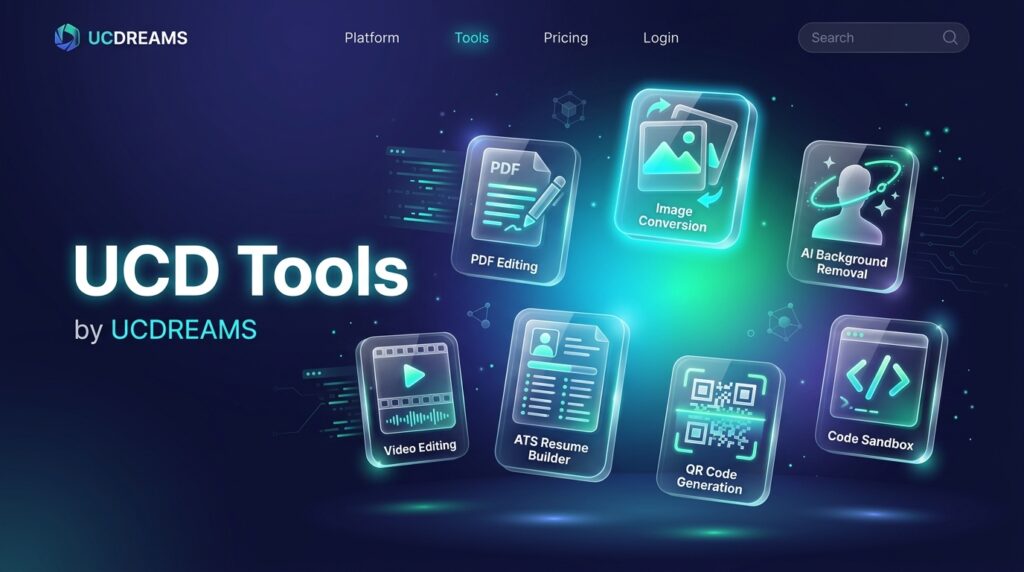
Large File Share is part of the UCD Tools Hub created by UCDREAMS (UCD). The platform offers over 30 free digital utilities including Video Compressor, PDF Editor, AI Background Remover, CodeRunner Sandbox, and ATS Resume Builder — all 100% free with zero paywalls.
Start Sharing Large Files Instantly
Ready to transfer heavy video footage, software builds, or high-resolution photo galleries without subscription fees or artificial limits? Try it right now on UCD Tools:
For more free web apps, developer sandboxes, and creative utilities, visit the UCDREAMS Tools Directory or learn about our custom software engineering services at UCDREAMS.com.